
~2 min
Typical render time
Grok Imagine is a free AI image and video generator for creators who want stills and short clips from text or images — with Normal, Fun, or Spicy modes and no X account required.
Grok Imagine free to try · No X account · Normal, Fun & Spicy modes
Upload one or more reference images, or rely on text alone. Clear faces and good light produce cleaner motion.
Your video may be selected and published to the public Explore feed to inspire other creators.
Coastal scooter ride · real output from this generator
The numbers
~2 min
Typical render time
Short-form
Video lengths for social
2K-ready
Upscaled stills
3 modes
Normal · Fun · Spicy
Capabilities
One Grok Imagine workspace covers the jobs creators search for — from AI stills to short video with sound.
Prompt a scene in Grok Imagine and get a short clip with audio for TikTok, Reels, and Shorts.
Animate a photo with Grok Imagine image-to-video — keep faces and products consistent.
Start from text, a reference image, or both when you need tighter control.
Lock style or identity references so AI outputs stay on-brand across a batch.
Continue a video beat when the first take is too short for the story.
Ship clips with sound instead of silent drafts that need a second tool.
Why it works
Grok Imagine focuses on consistency, motion, storytelling, and resolution — the levers that matter after the first Wow frame.
Keep characters and products recognizable across Grok Imagine stills and short video cuts.
Direct camera moves and subject action so motion matches the brief, not random drift.
Chain beats — establish, action, payoff — without a full NLE timeline.
Upscale stills when you need sharper social or light print delivery.
How to use
Three Grok Imagine steps from idea to download — the same flow whether you need a still or a short video with sound.
Write a Grok Imagine prompt or upload a reference. Name subject, lighting, and motion.
Choose Grok Imagine image or video, then Normal, Fun, or Spicy so tone matches the brief.
Preview results, iterate, upscale, or extend — credits only when you keep going.
Best results
Small Grok Imagine prompt habits compound faster than longer generation sessions.
Change one variable at a time — lighting, lens, or action — so winners stay reproducible.
Call out push-ins, pans, and framing so Grok Imagine video motion feels directed.
Golden hour, neon night, soft studio — consistent light keeps batches cohesive.
Gallery
Frames from real Grok Imagine demo videos on image.imaginegrok.org — hover the home demos to hear audio where available.
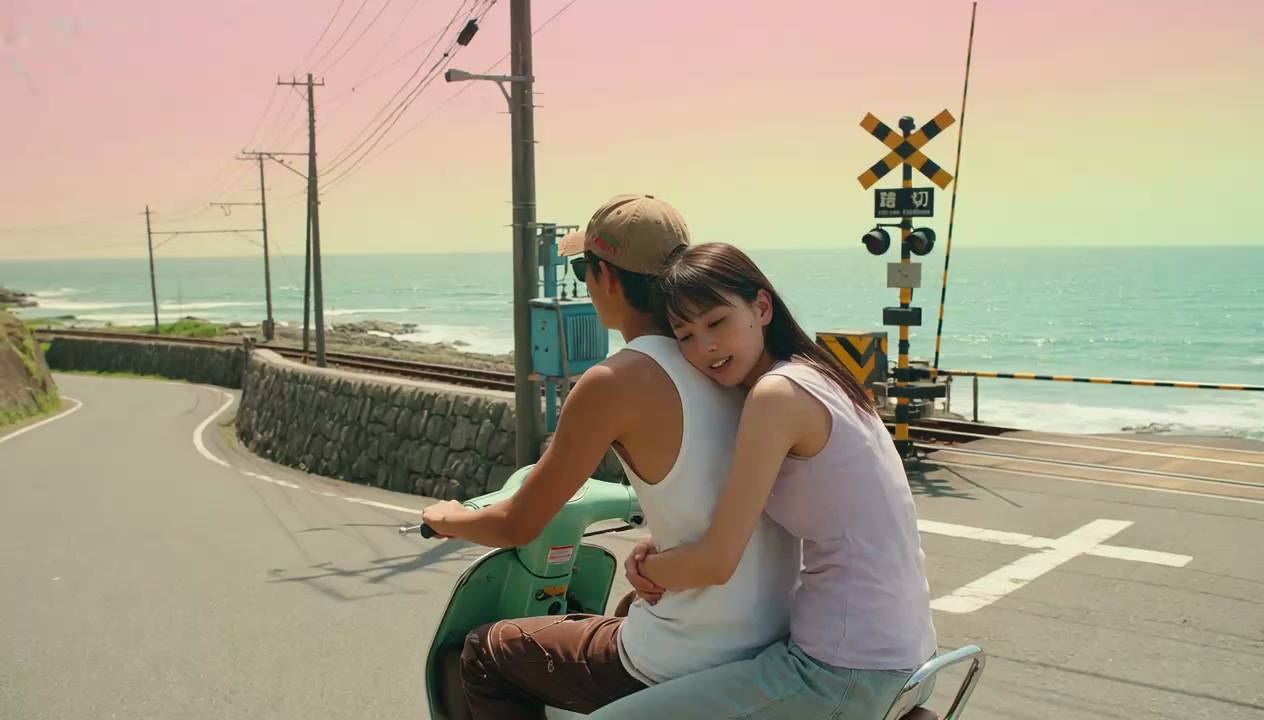
Golden-hour motion
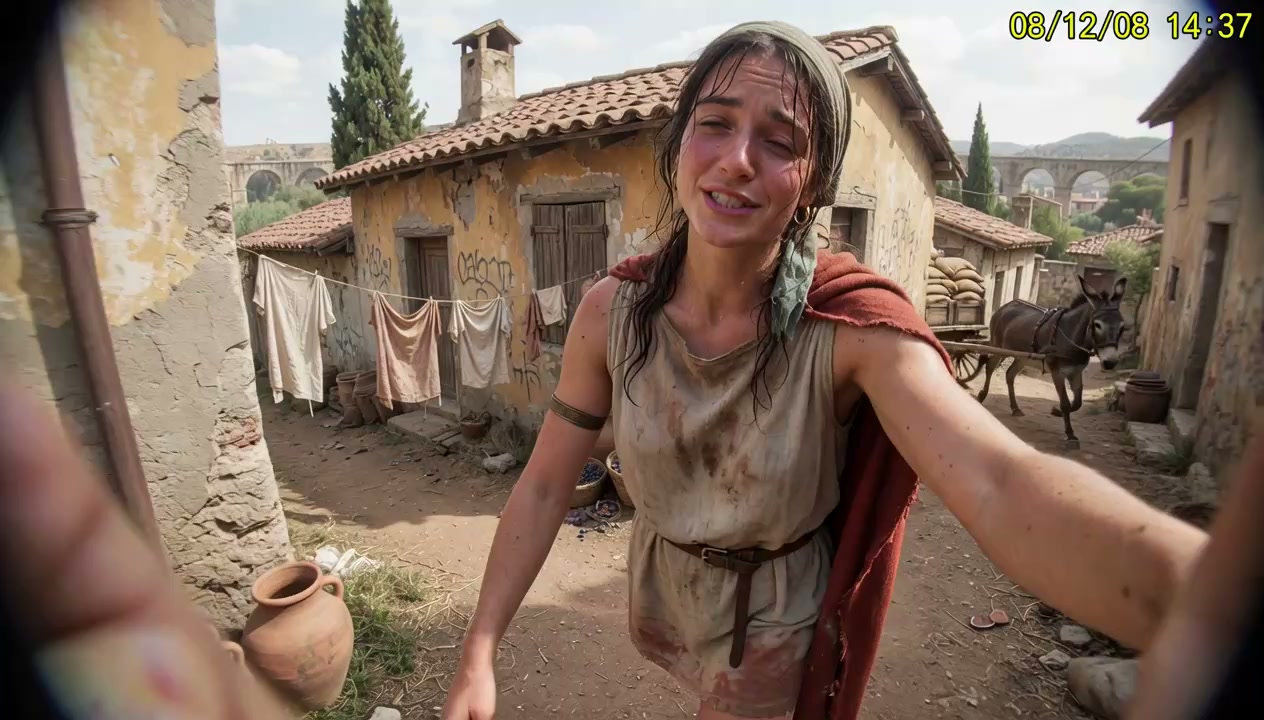
Handheld travel beat
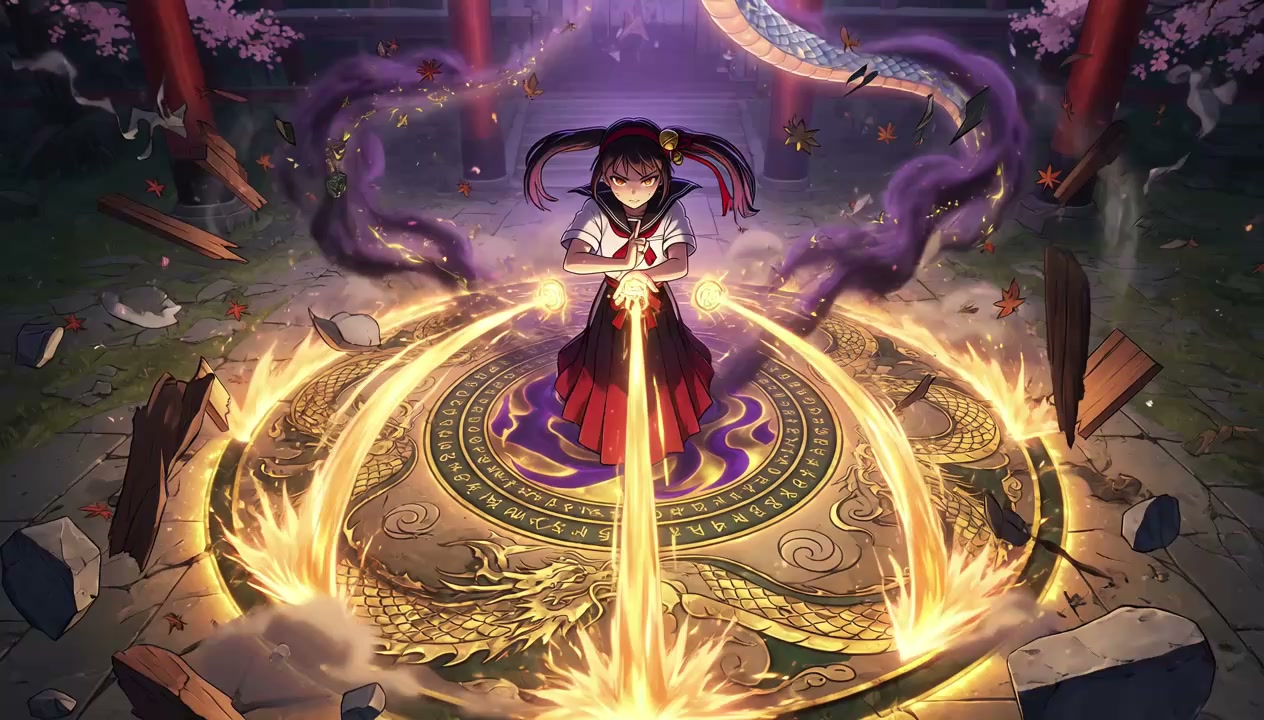
High-motion fantasy
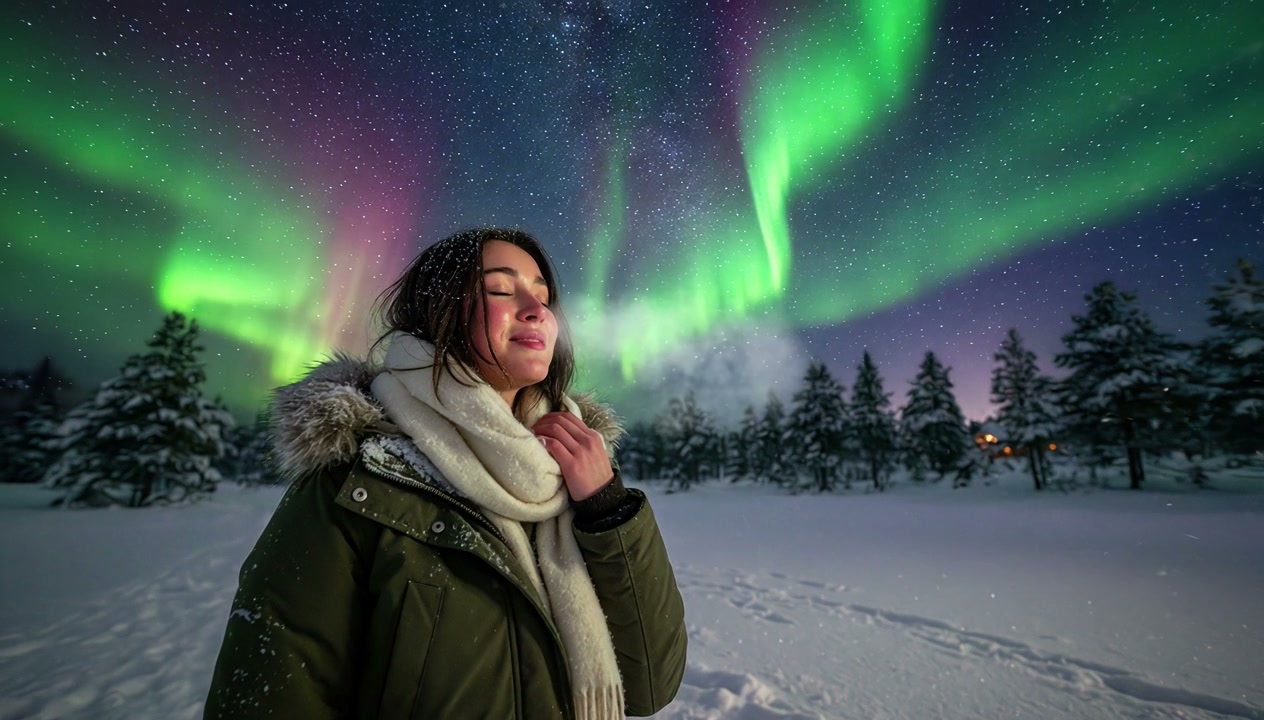
Cinematic travel edit
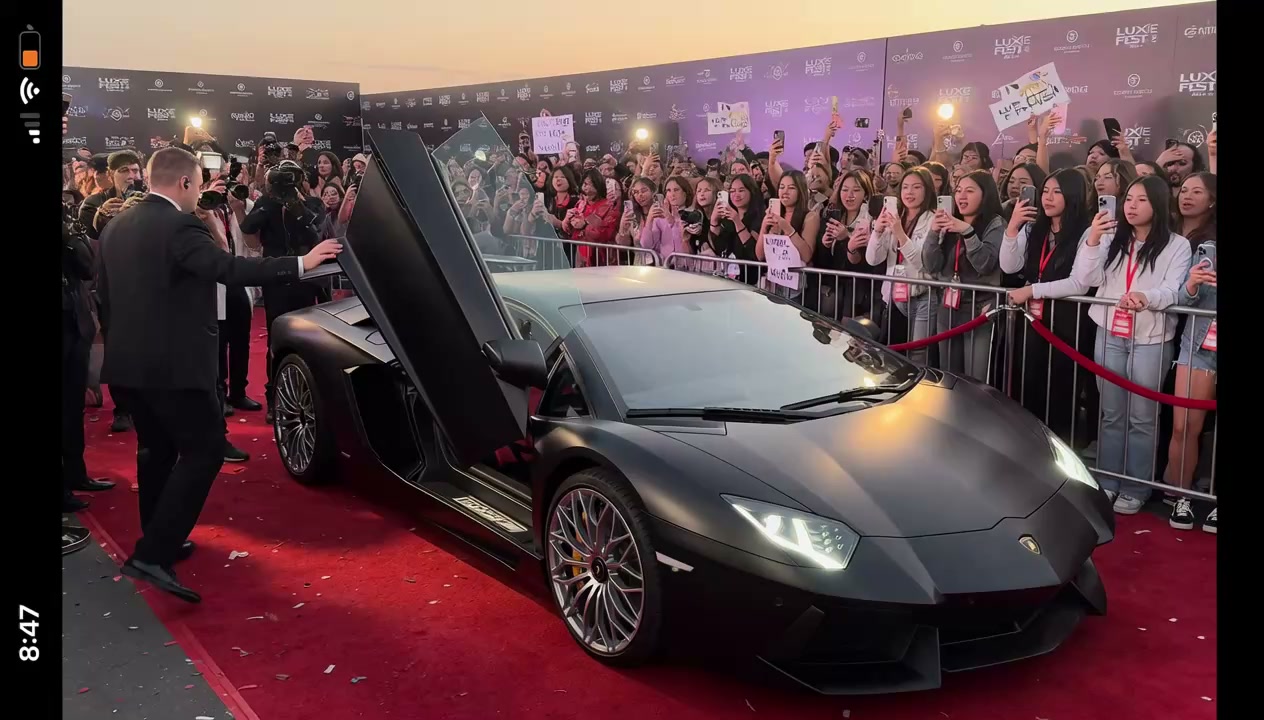
Crowd POV flash
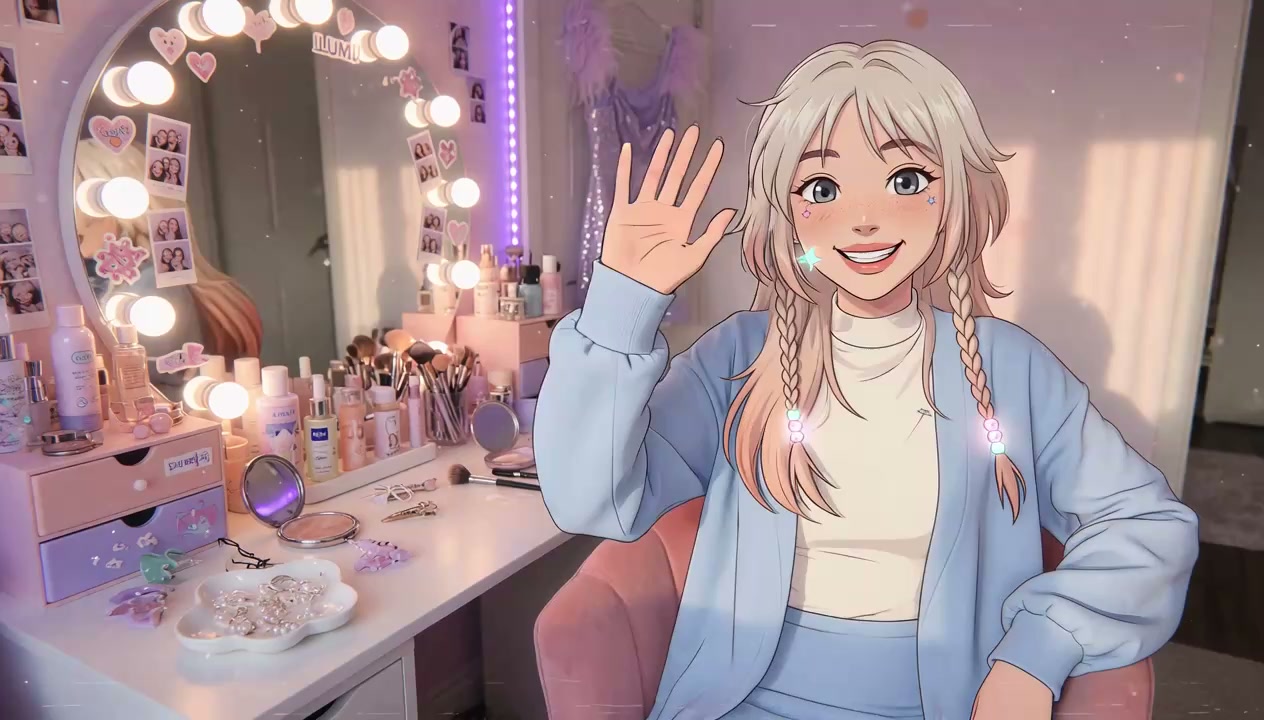
Animated vanity scene
Grok Imagine short video with motion and ambient audio.
Grok Imagine image-to-video style clip with camera movement and sound.
High-motion fantasy clip from this Grok Imagine workspace.
Start free on imaginegrok.org — Grok Imagine AI images and video with Normal, Fun, or Spicy modes, no X account required.
Generate with Grok Imagine freeHave questions about Grok Imagine? Email support@imaginegrok.org — we read everything.